“I asked AI to produce a summary infographic for me… I find these easier and quicker to get initial concepts.”
My friend Steve F posted this alongside a visual breakdown of Celeste Headlee’s TED Talk on better conversations. Not a link to watch later. Not a recommendation I’d forget. A compressed, scannable summary he’d created in minutes.
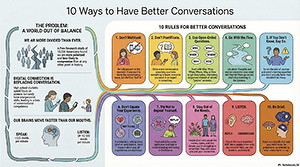
That single Facebook post changed how I consume content.
We’re drowning in “should watch” content
Your reading list has 47 articles. Your podcast queue stretches into 2027. Someone just sent you a “must-see” conference talk.
The traditional approach—watch the full thing, take notes, hope you remember—doesn’t scale. There’s simply too much valuable content and not enough hours.
Steve’s insight was simple: what if AI could give you the core concepts first, so you could decide what deserves your full attention?
Enter NotebookLM: Google’s secret weapon
NotebookLM is criminally underrated. It’s a free AI tool from Google that does something different from ChatGPT or Claude: it works only from sources you provide.
Upload YouTube videos, PDFs, website, or documents and NotebookLM becomes an instant expert on that specific material. No hallucinations about content that doesn’t exist. Every insight traced back to the source.
The killer feature? It can transform your sources into multiple formats:
- Structured summaries
- Infographics
- Audio “deep dive” discussions
- Study guides
- Briefing documents
How to turn any video into an instant infographic
Here’s the exact process I used to replicate Steve’s approach:
-
Start a new notebook Go to notebooklm.google and create a fresh notebook. Name it something useful—mine was “Headlee - Conversation Skills.”
-
Feed it the video Add the YouTube URL as a source. NotebookLM ingests the transcript and indexes it for conversation.
-
The custom instructions that make the difference Generic prompts get generic results. I used specific instructions to shape the output:
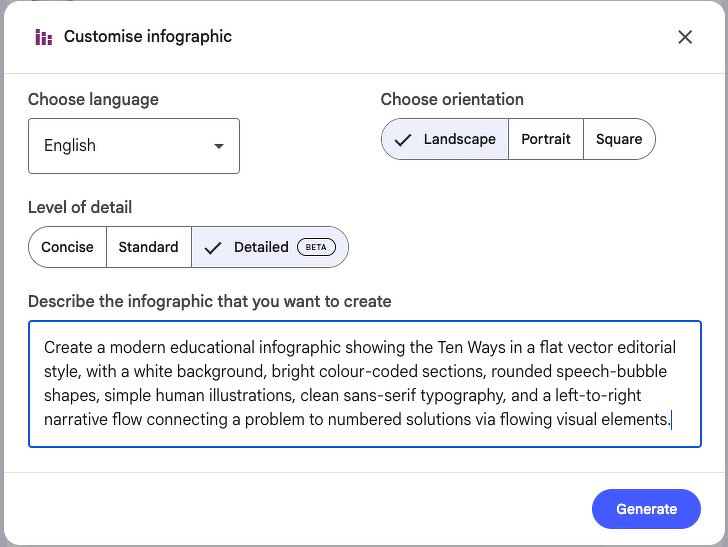
- Iterate if needed First output not quite right? Refine it. Ask for different emphasis, more detail on specific points, or a different visual structure.
The output
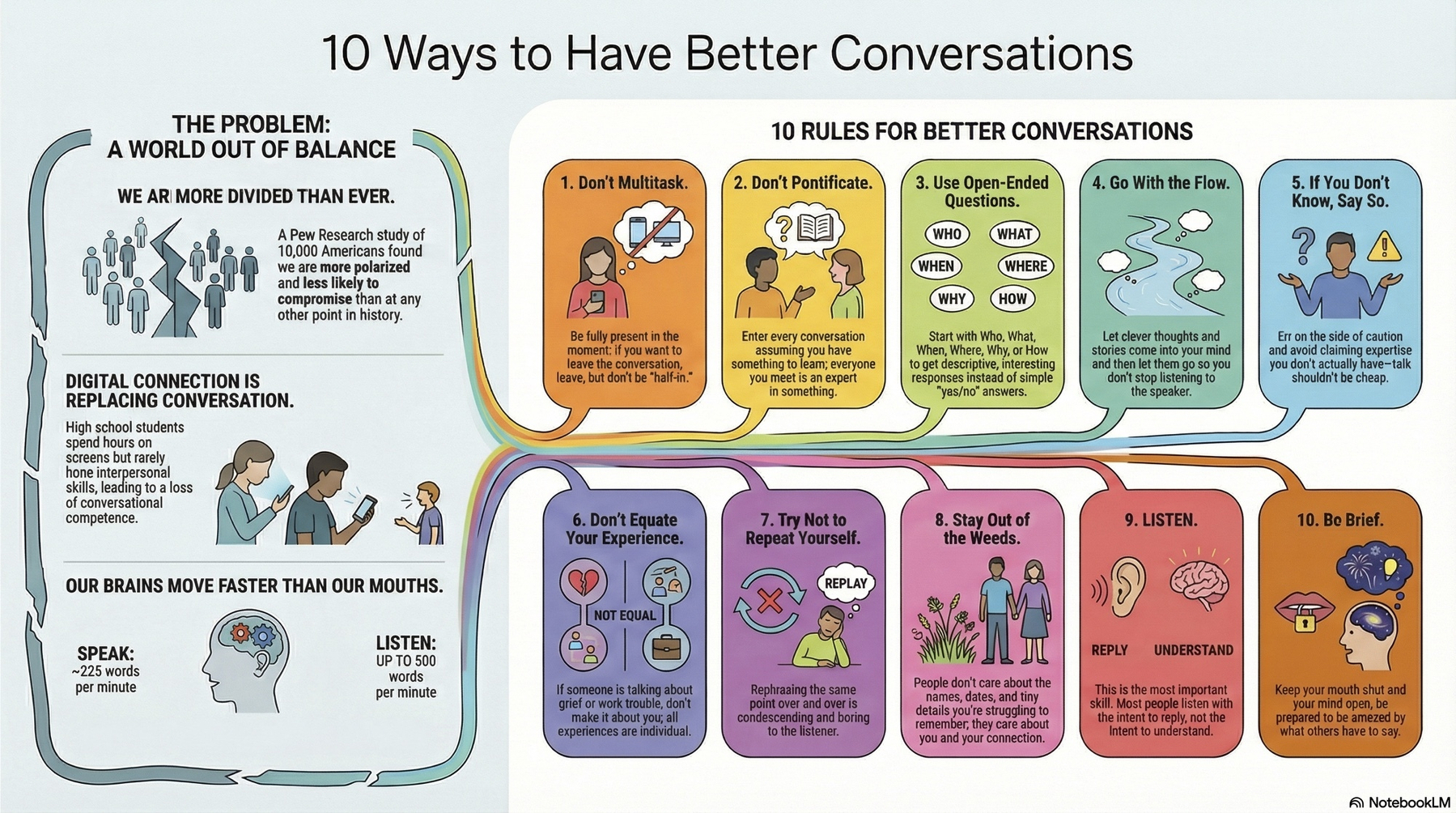
(right click and open in new tab to view it larger)
The infographic has the odd spelling error but still very useful.
Total time: Under 2 minutes.
What I got: The core framework of a 12-minute talk, visually organised and instantly scannable.
The bigger picture
This workflow inverts the traditional learning process:
Old way: Commit time upfront → Hope content is valuable → Take notes → Try to remember New way: Get compressed overview → Assess value → Go deeper only when it matters
It’s not about replacing deep learning. It’s about being strategic with attention in a world of infinite content.
Your turn
Pick something from your “watch later” pile:
- Add it to NotebookLM
- Request a summary format that works for you
- Decide in 60 seconds if it’s worth your full attention
The content that matters will earn your time. The rest? You’ve captured the essence without the commitment.
Watch the original talk
Celeste Headlee’s TED Talk: 10 Ways to Have a Better Conversation
==
Postscript: Notebook LM is excellent BUT the generation of infographics is ‘resource intensive’. I managed to create just one today before being ‘capped’. I need to wait until tomorrow or pay A$32.99/month